September 6, 2026
How To Create A Pantry Inventory System
You have an organized pantry. Zones, labels, matching bins, the whole thing. And you still came home from the store with a fourth bottle of vanilla, because standing in aisle six you could picture the shelf but you could not picture what was on it.
Organization and inventory are two different problems. Organization tells you where things go. A pantry inventory system tells you what you have and how much of it, which is the information you need at the store, at the meal-planning table, and at 6 p.m. when you're deciding whether you can actually make the thing you planned.
The good news: this is a much smaller project than organizing the pantry itself. Twenty to forty items, under an hour of setup, and about two minutes a week to maintain.
This guide covers what to track and what to ignore, how to keep a buffer, analog versus digital, the setup that doesn't eat a weekend, and how to keep it accurate, because an inventory you can't trust is worse than none at all.
What a Pantry Inventory System Actually Is

Three jobs: stop buying what you own, hear that you are low before you are out, and plan from what is here. how a duplicate gets bought in the first place.
A pantry inventory system is a maintained record of what food you have on hand, how much, and when it needs replacing. It has three jobs:
1. Prevent duplicate buying: you stop re-purchasing what you own 2. Prevent running out: you get told you're low before you're empty 3. Make planning possible: meals get built from what's in the house
It is not a catalog of every item in your kitchen. That's the version people attempt, abandon at item forty, and then conclude that inventories don't work for them.
The version that works tracks a short list of things you re-buy constantly. Everything else is noise.
Why organized pantries still generate emergency store runs
Organization is spatial. It answers "where does this go." It doesn't answer "how much is left," and it definitely doesn't answer it while you're standing in a store two miles away.
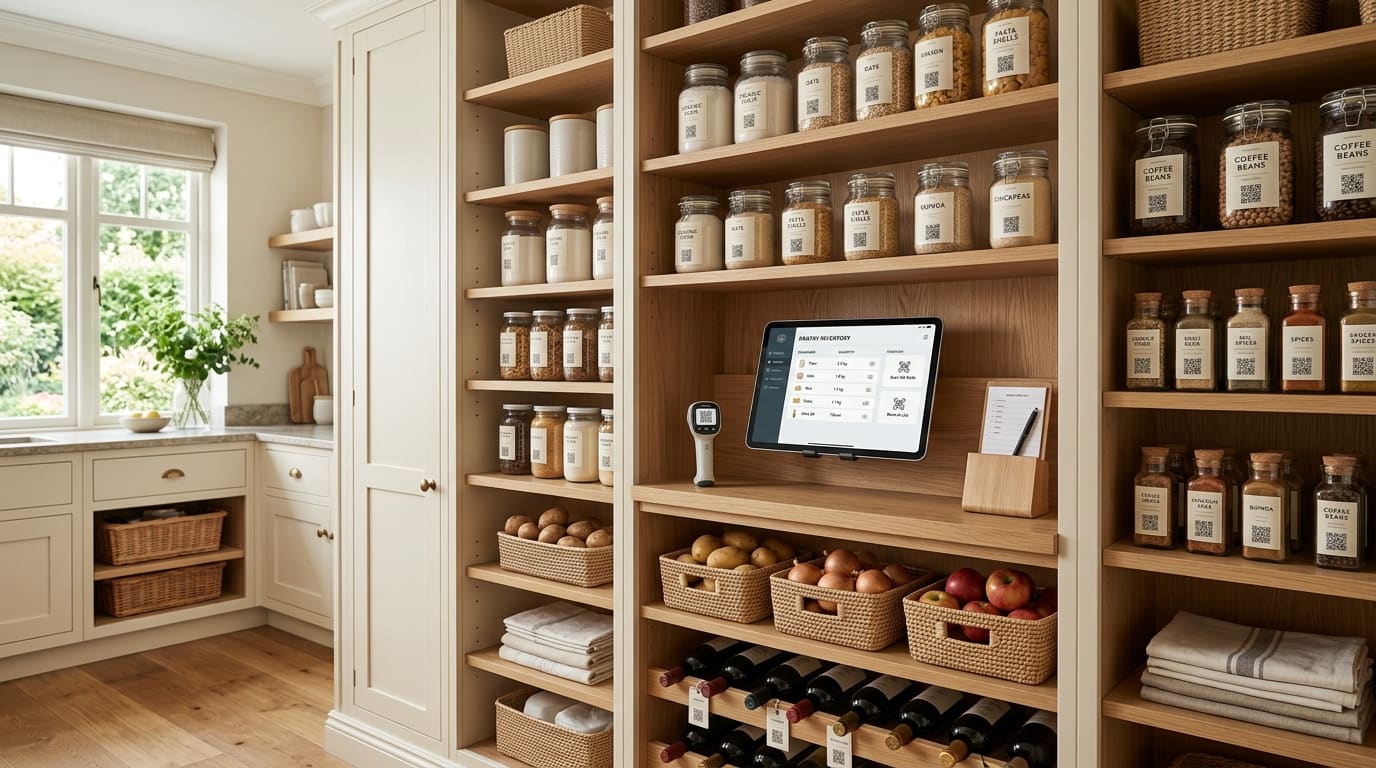
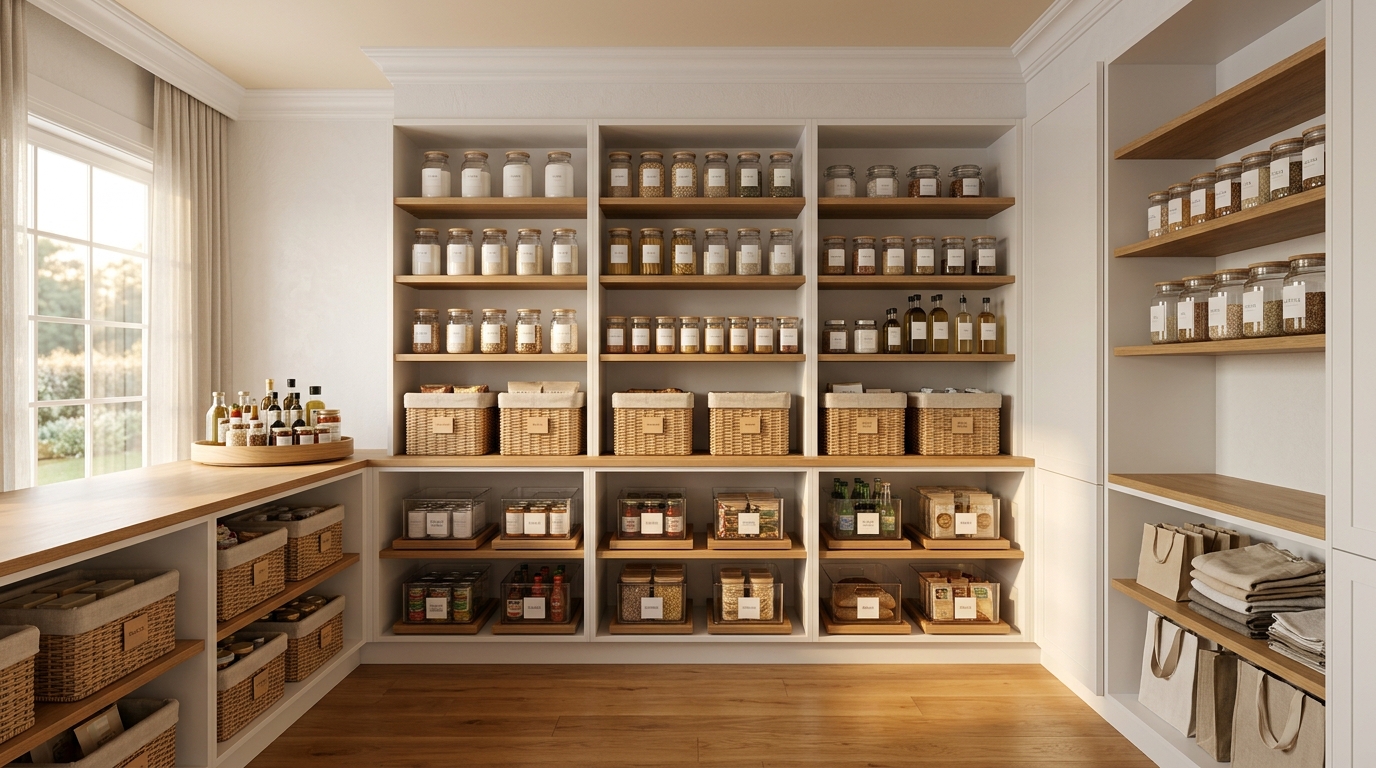
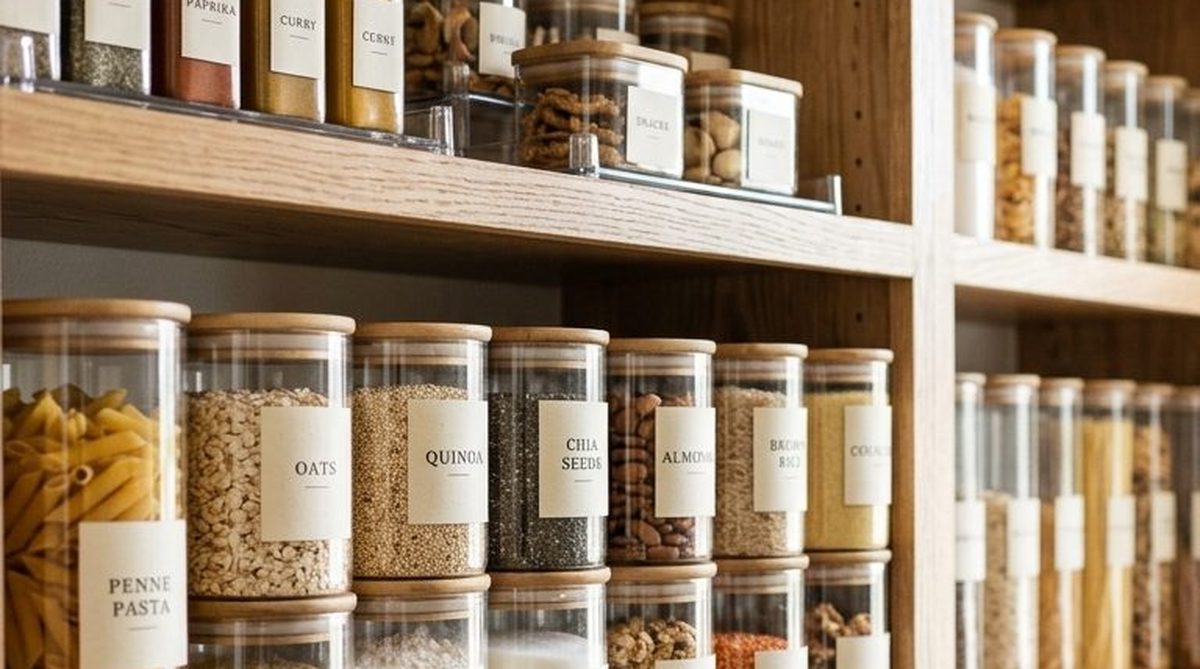
That gap is what an inventory closes. The two work together: a well-zoned pantry makes counting fast, and a maintained inventory makes the zones pay off, but neither substitutes for the other. If your physical setup isn't sorted yet, start with pantry organization first, because counting a chaotic shelf is genuinely miserable.
Decide What to Track

A 25 item list you keep beats a 200 item list you abandon. Track the staples you buy again and again. the pantry setup that makes counting fast.
This is the decision that determines whether your system survives. Track less than you think.
Track these
Staples you re-buy on a cycle. The fifteen to thirty items your household genuinely runs through: flour, sugar, rice, pasta, oil, canned tomatoes, broth, beans, cereal, coffee, whatever your kitchen actually turns over.
Things you hate running out of. Every household has a handful where being out causes a real problem. Yours might be coffee, baby formula, a specific spice, or the one thing that makes Friday's menu work.
Expensive items. Anything where buying a duplicate stings.
Items with a real shelf life. Nuts, whole-grain flours, baking powder, things that quietly go bad rather than visibly expiring.
Don't track these
- One-off specialty ingredients
- Things you buy once a year
- Anything you'd notice was missing without a system
- Fresh produce, which turns over too fast to be worth the entry effort
A 25-item inventory you maintain beats a 200-item inventory you abandon. This is the single most important sentence in this article.
Keep the Last One as a Buffer

Down to one? It goes on the list. The last one is your buffer, so you find out you are low, not out. the shopping half of the loop.
An inventory that only tells you what you have is half a system. The other half is noticing in time to act.
There is one habit behind all of it, and it is not a number you configure: when you are down to one, it goes on the list.
Not when you run out. That last one is your buffer, and it is what converts "we are out of rice" into "we are low on rice", which is a completely different morning.
The buffer is bigger for some things
- Fast movers: keep two, since one may not cover the gap until your next shop
- Slow movers: one is plenty
- Anything with a long lead time or bought on a specific trip: keep two or three
- Things you truly cannot be without: keep two, no exceptions
You are not entering these anywhere. You are just noticing them as you walk the shelf.
The first month does the teaching
Nothing needs adjusting on paper. A month of real weeks shows you what genuinely empties fast and what only felt urgent, and your walk gets more accurate on its own.
Most households stop thinking about this entirely by the second month.
Analog or Digital

Under $20 and forty minutes. For one or two people, the pantry door is often all the system you need. when an app earns its place instead.
Both work. The right answer depends on your household size and who else needs the information.
A written system works when
- You're tracking under about 30 items
- One or two people maintain it
- You want zero cost and zero setup
- You're comfortable with a clipboard or a whiteboard
The simplest version that works: a laminated list of your staples on the inside of the pantry door, with a dry-erase marker. Mark anything down to its last one. Wipe after shopping.
Total cost: under $20. Total setup: forty minutes. For a lot of households, this is genuinely the right answer and nothing else is needed.
A digital system earns its place when
- More than one person needs the same information at the same time
- You need it on your phone in a store aisle
- You're tracking more than about 50 items
- You have household staff who restock
- You're managing more than one property or a second freezer or storage area
The threshold isn't item count, it's coordination. The moment two people need to know the same thing simultaneously, paper on a door stops working, because only one person is standing at the door.
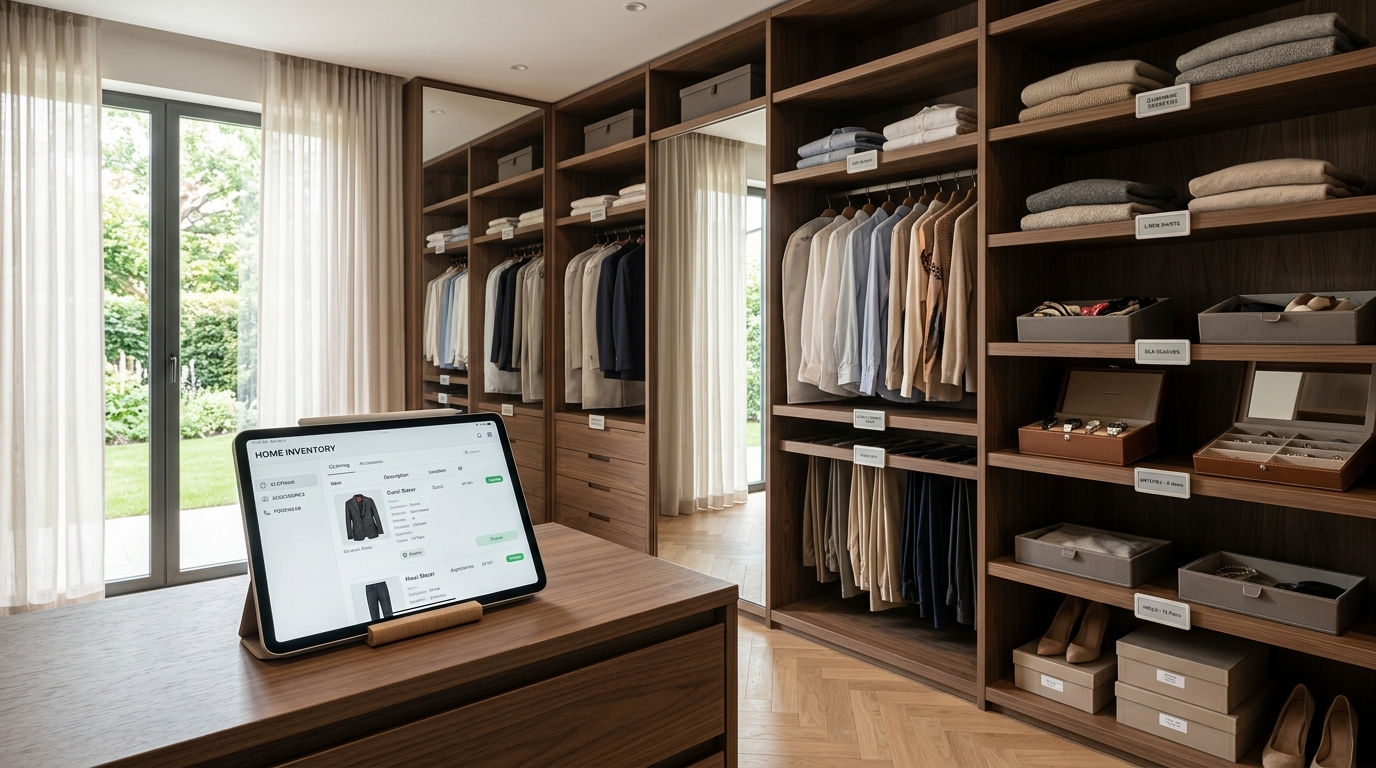
That's the specific gap Sorted & Stocked was built for: shared inventory with role-based access, so staff can update counts without full administrative permissions, and everything connects to shopping and meal planning rather than sitting as a standalone list.
A spreadsheet sits in between
Free, flexible, and fine for one or two people. It breaks down on mobile: updating a spreadsheet on a phone in a pantry is painful enough that it stops happening, and an inventory that isn't updated is actively misleading.
A useful test: try a spreadsheet for one month. If you're still maintaining it, you've proven the habit and you'll know exactly which features you need. If you abandoned it, that tells you entry friction is your constraint, and you should prioritize fast input above everything else.
Prefer Analog?
Download our free Pantry Inventory Template: one printable page.
Set It Up Without Losing a Weekend

List, do not count. Decide the buffer. Count once. Choose where it lives. Stop. Under an hour. the kitchen system it plugs into.
The setup phase kills more inventory systems than any other factor. Here's the version that finishes.
Step 1: List, don't count (20 minutes)
Walk the pantry and write down only the items that qualify under "what to track." Don't count anything yet. Don't organize anything. Just build the list.
You'll land somewhere between fifteen and thirty items. If you're over fifty, you're tracking too much; cut it.
Step 2: Decide your buffer (10 minutes)
One is the default. Keep two of the fast movers and the things you cannot be without. Nothing to enter; you are just deciding what a comfortable shelf looks like.
Step 3: Do one count (20 minutes)
Now count what you have. Once. This is your baseline.
Step 4: Choose where it lives (5 minutes)
Pantry door, phone, shared app. Whatever you'll actually reach for.
Step 5: Stop
That's the whole setup. Under an hour.
Do not catalog the rest of the kitchen. Do not add categories because they feel incomplete. The system's value comes from being maintained, and every item you add raises the maintenance cost.
Growing it later
If after two months you want more coverage, add items in small batches, five at a time, as you notice gaps. Systems that grow through use survive. Systems built comprehensively upfront get abandoned.
Keeping Your Pantry Inventory Accurate

Update as things go on the shelf. Two minutes, and you are already standing there. the weekly planning session that reads it.
An inventory you can't trust is worse than no inventory, because you'll rely on it and be wrong, which is how you end up with no rice and complete confidence that you had rice.
Attach maintenance to something that already happens
The two natural attachment points:
- Unloading groceries. Update as things go on the shelf. Two minutes, already standing there.
- The weekly planning session. Scan before you build the shopping list.
Unattached maintenance doesn't survive. "I'll update it when I think of it" means it's stale within three weeks.
The two-minute weekly pass
1. Walk the pantry 2. Mark anything down to its last one 3. Note anything that's gone bad 4. Build the shopping list from the marks
Do this before shopping, not after. That's the entire point: you shop knowing what you have.
Get everyone updating it
If a spouse, older kids, or staff use the pantry, they need to be able to update it. A system only one person maintains degrades every time that person isn't the one taking the last box.
Make the update trivially easy. A marker on a string next to the door removes more friction than any feature.
If staff maintain your pantry, label and build the system bilingually. An English-only inventory maintained by someone who reads Spanish more comfortably produces errors that get attributed to the person rather than to the system.
Want It Built For You?
Accept 80% accuracy
Your inventory will drift. Someone will take the last one and not mark it. That's fine: the system's job is to catch most of it, and 80% accuracy permanently is enormously more valuable than 100% accuracy for three weeks.
Reset quarterly
Once a quarter, do a full recount. Fifteen minutes, and it corrects accumulated drift. Pair it with the seasonal pantry pass so you're only pulling everything out once.
What the System Unlocks
Once the inventory is real, three things get easier immediately.
Shopping. The list builds itself from what the count actually shows instead of from memory and a walk-through. Most households cut a full shopping trip's worth of duplicate purchases within the first two months.
Meal planning. You plan from what you have rather than from what sounds good and then discovering you're missing two ingredients. This is where meal planning systems stop being aspirational: the constraint that makes planning fast is knowing what's in the house.
Delegation. Someone else can shop, restock, or cook without asking you what's needed. That's the point at which household help genuinely reduces your workload rather than relocating it.
Frequently Asked Questions
How do I create a pantry inventory system?
List only the fifteen to thirty staples you re-buy regularly, keep the last one as a buffer rather than running to empty, do a single baseline count, and pick one place the list lives, whether that's the pantry door or a shared app. The full setup takes under an hour, and the maintenance is about two minutes weekly attached to unloading groceries.
What should I include in a pantry inventory?
Track staples you re-buy on a cycle, items you hate running out of, expensive items, and things with a real shelf life like nuts and whole-grain flours. Leave out one-off specialty ingredients, annual purchases, and fresh produce, which turns over too fast to be worth the entry effort. A 25-item inventory you maintain beats a 200-item one you abandon.
Should I use an app or paper for my pantry inventory?
Paper works well for under about 30 items maintained by one or two people: a laminated list on the pantry door with a dry-erase marker costs under $20 and takes forty minutes to set up. Go digital when more than one person needs the same information at the same time, when you need it on your phone in a store aisle, or when household staff are restocking.
How do I know when something should go on the list?
When you are down to the last one. That last item is your buffer, so you discover you are low rather than out. Keep two of the fast movers, the long lead-time items, and anything your household genuinely cannot be without. There is nothing to enter or maintain; you are just noticing it as you walk the shelf.
How often should I update my pantry inventory?
Two minutes weekly, attached to something that already happens, either unloading groceries or your weekly planning session, plus a full recount once a quarter to correct accumulated drift. Unattached maintenance doesn't survive; an inventory updated "when I think of it" is stale within three weeks.
How do I keep my pantry inventory accurate?
Make updating trivially easy, get everyone who uses the pantry updating it rather than one person, attach the weekly pass to an existing habit, and recount fully each quarter. Accept about 80% accuracy as the working target: permanent 80% is far more useful than 100% that lasts three weeks.
Do I need to organize my pantry before starting an inventory?
It helps considerably, because counting a disorganized shelf is slow and unpleasant enough that you may not do it twice. If your pantry isn't zoned and labeled yet, do that first, but you don't need it perfect. A rough grouping by category is enough to make the first count manageable.
---
Ready for a Home That Works For You?
An inventory is a small system with a large return. Under an hour to build, two minutes a week to keep, and it ends the fourth bottle of vanilla permanently.
It also changes what's possible with household help. Once what's in the house is written down rather than held in your head, someone else can shop, restock, and cook, which is the difference between help that reduces your load and help that requires your supervision.
- ✓ Professional Organizing: pantries zoned and labeled so counting is fast
- ✓ Moving & Unpacking: inventory built as the new kitchen is set up
- ✓ Household Management: restocking systems and bilingual SOPs for staff
- ✓ Ongoing Support: the maintenance layer that keeps the record accurate
Related Reading
Sort + Place is a professional organizing and household management practice serving families in Lakewood, New Jersey and the surrounding tristate area.
Want this running in your own house?
We build the systems, label the shelves and train the people who keep it all going.
Book Your Consultation