July 21, 2026
From "What Do We Have" to "What Do We Need": Running Inventory and Shopping Together
Inventory tracking and shopping usually get treated as two separate chores. In a well-run household they're one continuous process, and the point where they connect is where the time savings actually live.
Start smaller than you think

From what do we have to what do we need, as one process. Why every home needs a digital inventory.
You don't have to count everything. The common assumption is that inventory means precise counts of every item, which is exactly the overhead that makes people quit before they start.
Most households get real value from tracking presence and location alone, knowing something is there and where. Save exact counts for the handful of items where the number genuinely matters.
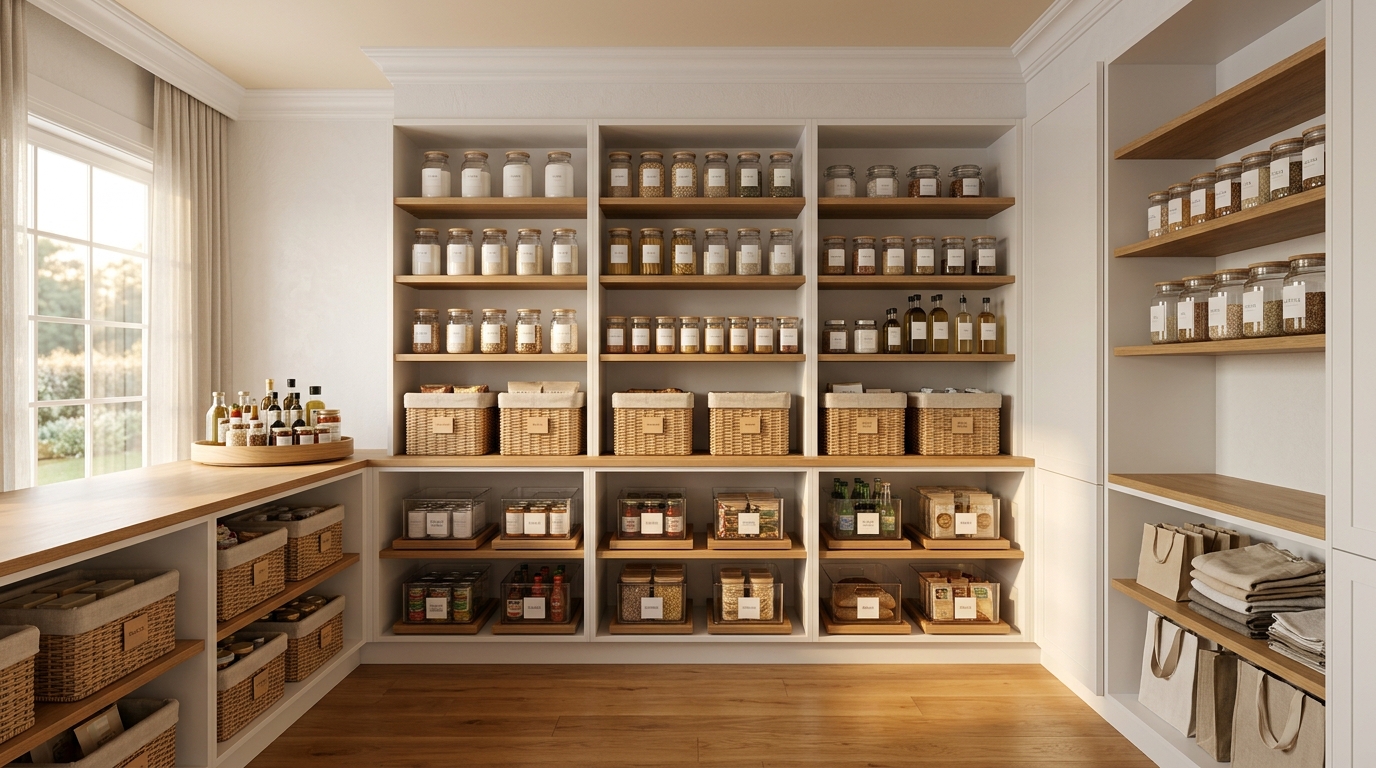
Every item needs a home. Tracking what you own only pays off if you can find it. That means a specific assigned location, not "somewhere in the pantry", and an update when something moves.
This is the unglamorous part. It's also the part that makes everything else work.
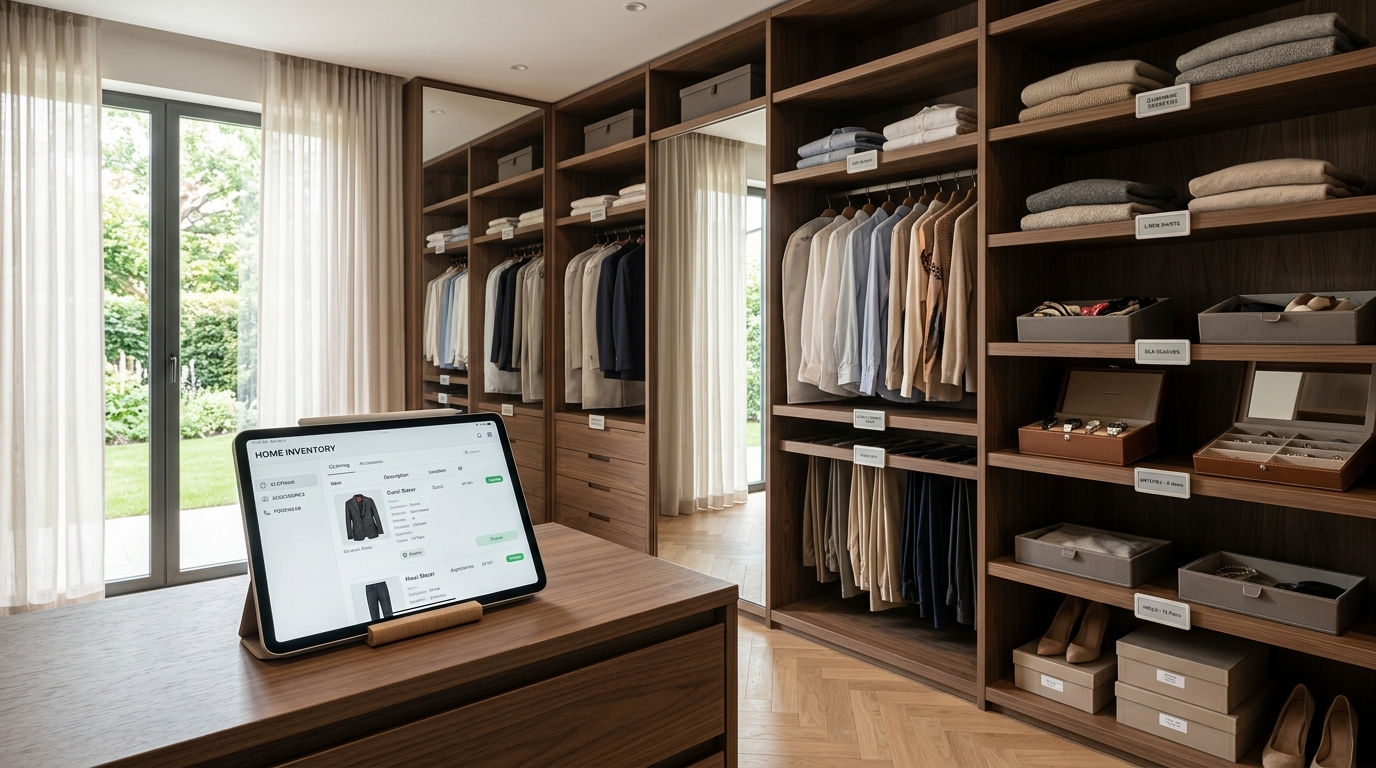
Photos, used selectively. Not every item needs a picture. Photos earn their place on look-alike products, on complex storage bins, and on anything staff might not recognise by name, where a glance settles a question that words can't.
Close the loop
Running out should trigger something. When something runs out, the useful move isn't marking it zero. It's that update feeding an active shopping list.
The whole point of connecting inventory to shopping is that "we're out" and "it's on the list" become one action instead of two.
Reorder links remove the searching. For the things you buy the same way every time, a saved purchase link on the item removes the repeated hunt for the right product. Small, and it adds up fast across dozens of recurring purchases.
Group the list by store. Grouping by the store each item comes from is a real gain. Fewer trips, fewer forgotten items at a particular stop, and no standing in one shop trying to remember what else was meant to come from there.
Two practical extras

Pantry, bath and laundry on one sheet.
Expiry dates where they matter. For perishables where timing counts, a tracked date turns "is this still good" into a check rather than a guess, and catches things before they're wasted rather than after.
Print what needs to leave the screen. Not everything should stay digital. Physical labels and a printed list for the actual shop both have a place, especially for staff moving through a space rather than sitting at a screen.
The short version
Run inventory and shopping as one loop instead of two habits, and the household stops discovering it's out of something at the worst possible moment.
Frequently Asked Questions

Two clear zones, a clear floor, and a clear path to the door.
Do I have to count every item to run a home inventory?
No, and trying to is why most people abandon it. Tracking presence and location, knowing something exists and where it lives, covers most of the value. Keep exact counts for the few items where running out actually costs you something.
How does an inventory turn into a shopping list?
By making "we're out" and "it's on the list" the same action. When depletion updates feed an active list directly, nobody has to remember to transcribe anything, which is where the step usually breaks.
Should I organise my shopping list by store?
Yes, if you shop at more than one. Grouping by store means fewer trips and fewer items forgotten at a particular stop. It also stops you standing in one shop trying to recall what else was meant to come from there.
Which inventory items need photographs?
Look-alike products, complex storage bins and anything staff might not recognise from a name alone. Photographing everything is a large job with little return. Photographing the ambiguous ten percent settles most of the questions.
Related Reading

Sort + Place is a professional organizing and household management practice serving families in Lakewood, New Jersey and the surrounding tristate area.
Want this running in your own house?
We build the systems, label the shelves and train the people who keep it all going.
Book Your Consultation