
November 23, 2026
Household Management Apps Compared
There are hundreds of apps that promise to organize your household, and most families end up with four of them, a calendar, a list app, a chore tracker, and something a friend recommended, none of which talk to each other, and three of which nobody has opened since March.
The problem isn't that the apps are bad. It's that "household management app" describes at least six genuinely different products, and most people choose one without knowing which kind they actually needed.
This guide compares those categories rather than chasing feature lists that change monthly. You'll learn what each type does well, where each one breaks down, the questions that determine which you need, and the mistakes that lead to four half-used apps instead of one working system.
See What Makes Us Different?
Learn why Sorted & Stocked is designed specifically for busy families.
First: Decide What You're Solving
Before comparing anything, answer this. Households that skip it collect apps.
Which of these is actually costing you the most right now?

Start with one household task that currently takes more follow-up than it should.
1. Scheduling collisions, double-bookings, forgotten appointments, nobody knowing what's happening this week 2. Task and chore follow-through, work that only happens when someone notices 3. Meals and groceries, the daily "what's for dinner," the rebuilt shopping list, the missing ingredient at 6 p.m. 4. Not knowing what you own, duplicate purchases, running out, hunting for things 5. Nothing is written down, procedures, contacts, and reference living in one person's head 6. Coordinating other people, a spouse, staff, or multiple properties needing the same information simultaneously
Whichever you named first is your category. The others can wait, and several of them may never need an app at all.
The most common mistake is buying for problem 2 when you actually have problem 6, chore apps do not solve coordination, and no amount of features will make them.
The Six Categories of Household Management App
1. Shared family calendars and organizers
What they do: a shared calendar with color-coding per family member, usually plus a simple list and sometimes a basic chore feature. Built for families rather than for work.
Best for: households whose primary pain is scheduling, multiple kids, activities, competing work calendars.
Where they break down: they're broad and shallow. The list feature is usually rudimentary, the chore feature is usually an afterthought, and inventory is typically absent entirely. If your real problem is anything other than scheduling, you'll outgrow the extras fast.
Category examples: Cozi, Skylight, and similar family-organizer products, plus the shared-calendar features built into Google and Apple ecosystems.
2. Task and chore apps
What they do: assign recurring tasks to people, track completion, sometimes gamify it for children with points or rewards.
Best for: households where the specific problem is chore follow-through, particularly with school-age children who respond to visible progress.
Where they break down: two ways. First, adults abandon gamification quickly, points don't motivate a 40-year-old. Second, and more importantly, a chore app tracks tasks but doesn't hold the information those tasks depend on. Knowing that someone should restock the pantry doesn't tell them what to restock.
Category examples: dedicated family chore apps, plus general task managers like Todoist or Things used for household work.

An inventory tool should help you find items in the room where they’re stored.
3. Meal planning and grocery apps
What they do: recipe storage, weekly meal planning, and a shopping list generated from planned meals. Some integrate with grocery delivery.
Best for: households where dinner is the daily crisis and the shopping list is rebuilt from scratch every week.
Where they break down: almost all of them plan from recipes rather than from what you actually have. You end up with a beautiful plan and a shopping list containing four things already in your pantry. Without inventory underneath, meal planning is aspirational.
Category examples: AnyList, Paprika, Plan to Eat, and similar recipe-and-list tools.
4. Inventory and item-tracking apps
What they do: record what you own, where it's stored, how much is left, and when it expires. Barcode scanning, low-stock alerts, location tracking.
Best for: households losing money to duplicate purchases, food waste, and hunting for items. Also the category insurance documentation falls into.
Where they break down: many are built for small-business stock rather than homes, which makes them heavy for household use. Consumer versions frequently lack genuine multi-user support, so they solve one person's problem and leave the coordination problem untouched.
Category examples: Sortly and similar tracking tools, plus consumer pantry-specific apps.
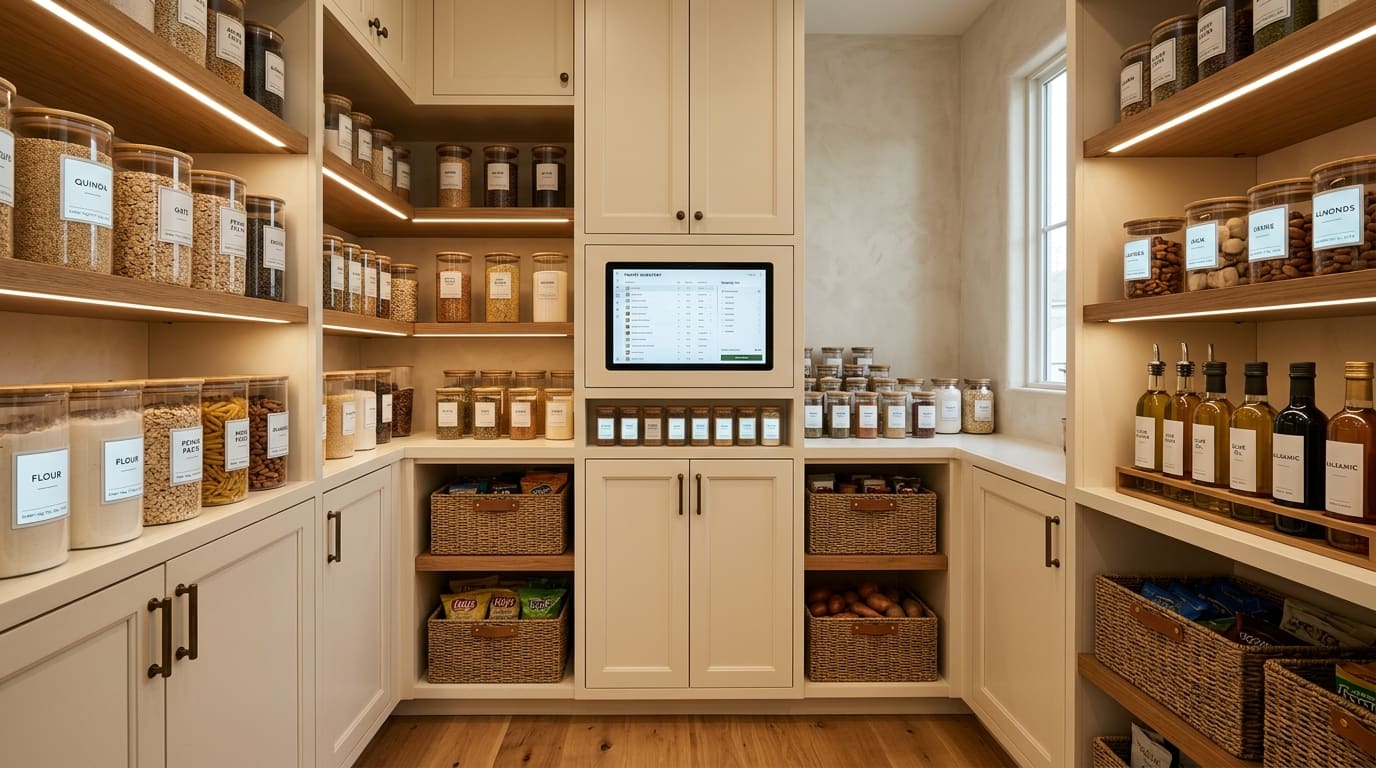
Pantry tracking is most useful when the people shopping can see what’s already there.
Our fuller treatment of this category is in home inventory app.
5. General productivity tools, repurposed
What they do: whatever you build. Notion, Trello, Airtable, Google Sheets, infinitely flexible, entirely unopinionated.
Best for: one specific kind of household, someone who genuinely enjoys building systems and will maintain what they build.
Where they break down: the flexibility is the trap. You spend a weekend building an elaborate household dashboard, it works beautifully for three weeks, and then it decays because maintaining a custom system is a second job. The abandonment rate here is the highest of any category, and it correlates directly with how impressive the initial build was.
Be honest with yourself about which kind of person you are. If you've abandoned a Notion setup before, you'll abandon this one.
6. Household operations platforms
What they do: combine inventory, meal planning, shopping, tasks, and staff coordination in one place, with role-based access so different people see and edit different things.
Best for: households where several people need the same information at once, a spouse and staff, multiple properties, or a home complex enough that the pieces genuinely need to connect.
Where they break down: overkill for a single person or a small household with one clear problem. If your only issue is scheduling, this is more system than you need.
This is the category Sorted & Stocked sits in, and it exists because the households we work with kept trying to run shared kitchens and multi-person operations on tools built for one person tracking their own belongings.
The Criteria That Actually Predict Whether You'll Still Use It
Feature lists are poor predictors. These five are good ones.
1. Entry friction
Time yourself adding one item or task. More than a few seconds and the tool won't survive a real week.
This single criterion predicts abandonment better than everything else combined. Barcode scanning, voice input, and quick-add fields aren't conveniences, they're the difference between a live system and a stale one.
2. Multi-user reality
Not "supports multiple users" on a marketing page. Specifically:
- Can two people edit simultaneously without conflicts?
- Does everyone see updates immediately?
- Can you limit what some users see or change?
- Is there a cost per additional user?
Role-based permissions matter enormously if you employ any household help and are almost entirely absent from consumer family apps.
3. Useful at 20 items

Test the tasks people will actually use on an ordinary week.
Can you get value from the tool after twenty minutes of setup?
Tools that require you to catalog everything before they do anything get abandoned during setup. Look for something that's genuinely useful with a small amount of data and grows through use.
4. Mobile-first, genuinely
You will use this standing in a pantry, a store aisle, or a hallway. A tool that's excellent on desktop and painful on a phone is a tool that won't get updated.
5. Data portability
Can you export? If not, you're locked in.
Also worth asking what the company does with household data. This is a record of what's inside your home and who does what in it, not neutral information.
The criteria most people over-weight
- Aesthetics. A beautiful app you don't update is worthless.
- Feature count. More features mean more setup and more abandonment.
- Integrations. Useful only if you'd actually use them; most people don't.
- Gamification. Works for young children, briefly. Doesn't work for adults.
Comparing Specific Products
A note on how this section works, and why:
Pricing, feature sets, and even which apps exist change constantly in this category. A comparison table published today with specific per-month figures and feature checkmarks will be partially wrong within a quarter, and a table that's wrong about a competitor is worse than no table, it damages your credibility and it's the kind of error readers notice and report.
So this section is a template rather than a filled-in table. Verify each cell against the vendor's own current pricing and feature pages before publishing, and put a "last verified" date on it.

Compare each tool using the same real household task.
| App | Category | Shared users | Inventory | Meal planning | Tasks | Role permissions | Bilingual | Price | Last verified | |---|---|---|---|---|---|---|---|---|---| | Sorted & Stocked | Operations platform | ✓ | ✓ | ✓ | ✓ | ✓ | ✓ EN/ES | | | | [Family calendar option] | Calendar | | | | | | | | | | [Chore app option] | Tasks | | | | | | | | | | [Meal planning option] | Meals | | | | | | | | | | [Inventory option] | Inventory | | | | | | | | | | [Productivity tool] | DIY | | | | | | | | |
Two rules for filling this in:
1. Verify from the vendor's own site, not from another comparison article. Aggregated comparison content is frequently out of date and copies its errors forward. 2. Be scrupulously fair to competitors. Understating a competitor's capabilities is both an ethical problem and a practical one, a reader who uses that product and sees an inaccuracy will discount everything else on the page, including the accurate parts about your own product.
Set a calendar reminder to re-verify quarterly. A comparison page is a maintenance commitment, not a one-time publication.
Matching the Category to Your Household
Small household, scheduling is the pain → shared family calendar. Nothing more.
Kids old enough for chores, follow-through is the pain → chore app, or a chore chart on a family command center, which frequently outperforms software for young children because it's visible without being opened.
Dinner is the daily crisis → meal planning app, but only if you'll also track what's in the house. Otherwise you're planning meals you can't cook.
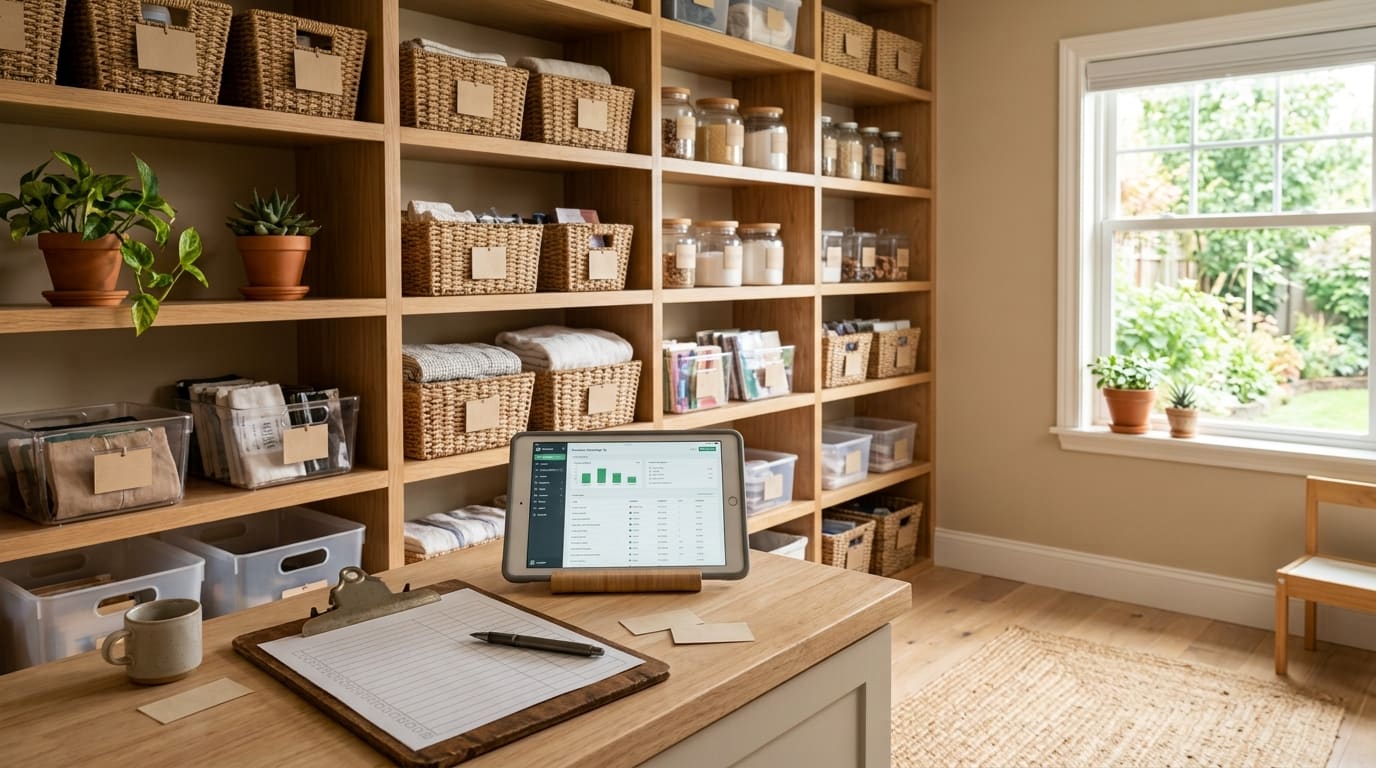
Choose the amount of detail your household can keep current.
Money is leaking through duplicates and waste → inventory app.
Nothing is written down → this isn't an app problem. Start with documentation, a household binder, and add software after.
Multiple people, staff, or multiple properties → operations platform. This is the only case where the coordination features justify the added complexity.
You genuinely love building systems → a productivity tool, with a clear-eyed assessment of whether you'll maintain it in month four.
Common Mistakes When Choosing
1. Choosing the tool before naming the problem. Produces four apps and no system. Fix: name the single biggest pain first.
2. Buying for the household you wish you were. The elaborate system for the organized family you intend to become. Fix: build for the capacity you actually have.
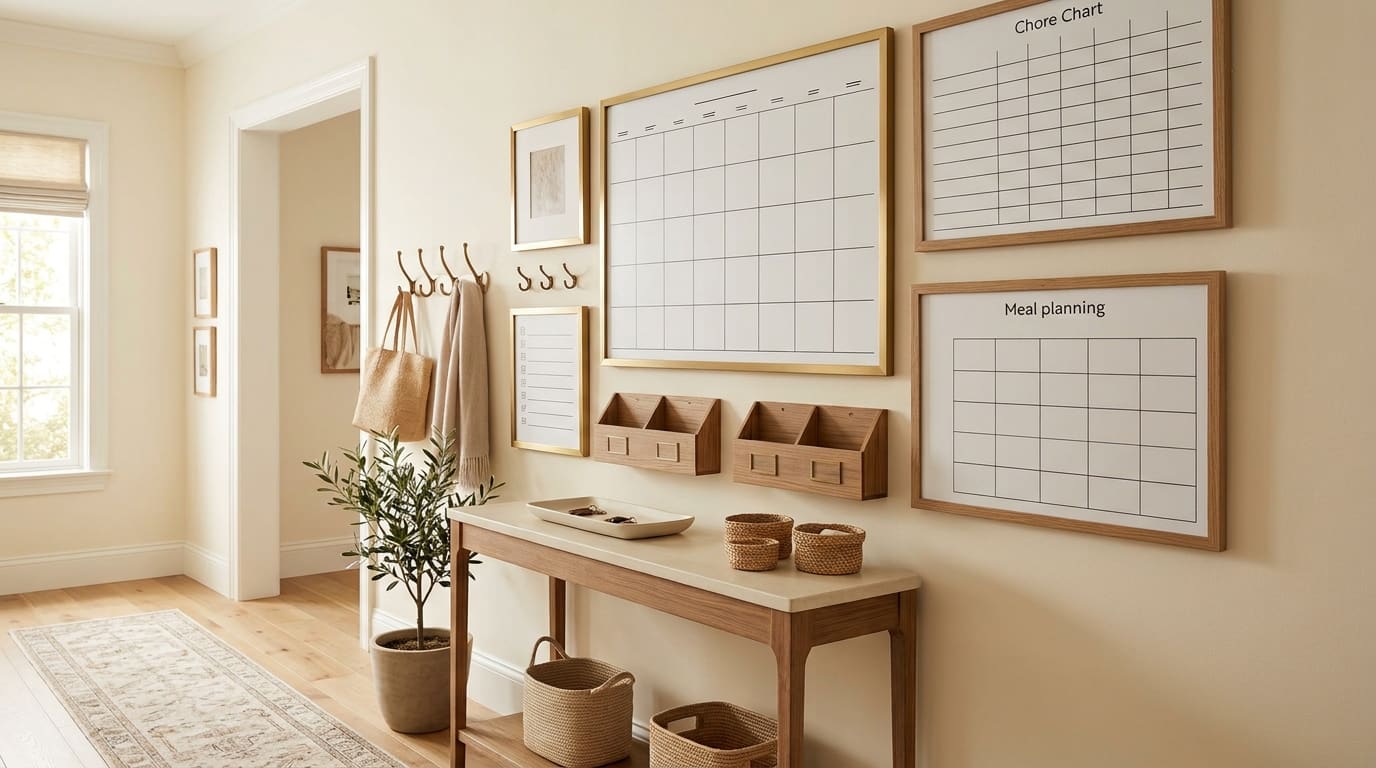
Decide who will update the information and when.
3. Ignoring entry friction. The best-featured app with slow input loses to a simpler one every time. Fix: time it before committing.
4. Introducing it to the family after setup is "done." It becomes your app. Fix: bring everyone in during week one.

Keep essential instructions accessible while everyone learns the new tool.
5. Assuming software creates a system. It holds one. If your household has no agreed routines, an app produces organized confusion. Fix: decide the system, then choose the tool.
6. Not checking bilingual support when staff are involved. An English-only tool maintained by someone who reads Spanish more comfortably generates errors that get blamed on the person. Fix: check before you buy.
7. Migrating too often. Each move costs setup time and household goodwill. Fix: choose carefully once and commit for at least six months.
Frequently Asked Questions
What is the best household management app?
There isn't one, because "household management app" covers at least six different product types, family calendars, chore trackers, meal planners, inventory tools, general productivity apps, and full operations platforms. The right choice depends on which problem is costing you most: scheduling, task follow-through, meals, not knowing what you own, undocumented procedures, or coordinating multiple people.
Do I need more than one household management app?
Ideally no, because information split across tools tends to live in none of them. Most households do best with one shared calendar plus one tool addressing their main pain point. If you find yourself needing three or more, that usually signals you'd be better served by a single platform that connects the pieces.
What features matter most in a household management app?
Entry speed matters more than anything else, if adding an item takes more than a few seconds, the tool will go stale within weeks. After that: genuine multi-user editing with real-time updates, being useful after twenty minutes of setup rather than requiring a full catalog, mobile-first design, and the ability to export your data.
Are free household management apps good enough?
Often yes, particularly for scheduling and lists, where free shared calendars and list apps cover most households completely. Paid tools earn their cost when you need multi-user permissions, inventory tracking with barcode scanning, or connections between inventory, shopping, and meal planning, features that are rare in free products.
Can household management apps work with household staff?
Only if they support role-based permissions, so staff can update what they're responsible for without administrative access to everything else. Most consumer family apps don't offer this. Bilingual support matters here as well, an English-only interface used by someone who reads Spanish more comfortably produces errors that get attributed to the person rather than to the tool.
Should I use Notion or a spreadsheet instead of a dedicated app?
Only if you genuinely enjoy building and maintaining systems, because flexible tools have the highest abandonment rate of any category, the elaborate build works for three weeks and then decays. If you've abandoned a custom setup before, that's reliable evidence about what will happen this time.
How do I get my family to actually use a household management app?
Introduce it during week one rather than after you've finished configuring it, choose something with fast enough input that using it is easier than ignoring it, and start with one feature rather than all of them. Resistance is almost always about friction rather than willingness, if a step is slow or requires finding you first, it gets skipped.
---
Ready for a Home That Works For You?
The right app is the one that matches the problem you actually have, and for a lot of households, the honest answer is that the software isn't the missing piece. If nothing is written down and no routines are agreed, a tool will organize the confusion rather than resolve it.
That's the work we do first: the routines, the documentation, the systems. Then software holds them, and Sorted & Stocked exists for the specific case where several people need the same information at once.
- ✓ Professional Organizing, the physical systems software can't create
- ✓ Moving & Unpacking, set up correctly from day one
- ✓ Household Management, routines, documentation, and bilingual SOPs for staff
- ✓ Ongoing Support, the maintenance layer that keeps any tool accurate
Related Reading
Sort + Place is a professional organizing and household management practice serving families in Lakewood, New Jersey and the surrounding tristate area.
Want this running in your own house?
We build the systems, label the shelves and train the people who keep it all going.
Book Your Consultation